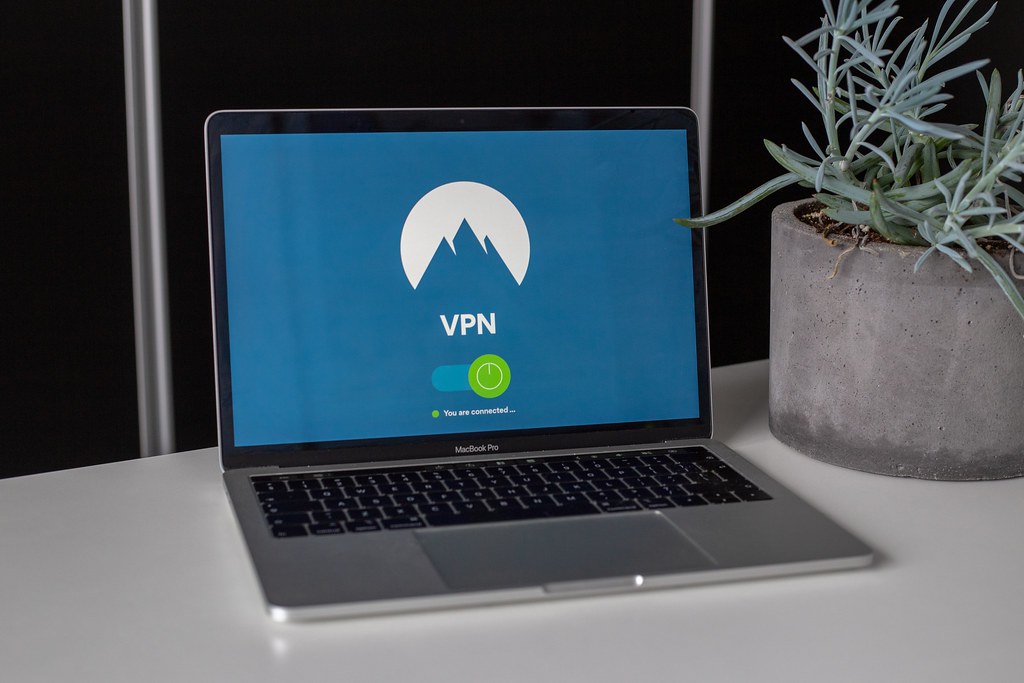
Business VPN Guide: 5 Features to Look For in 2026
As remote and hybrid work has become standard, a business VPN has moved from optional to essential for most small companies, particularly those with employees accessing sensitive systems outside the office. Choosing the right one means understanding what a VPN actually protects against, and just as importantly, what it does not.
What a Business VPN Actually Does
A business VPN creates an encrypted tunnel between an employee’s device and your company network, protecting data in transit particularly over untrusted networks like public WiFi. This is distinct from consumer VPNs marketed for streaming or privacy, which typically lack the centralized management and access control features a business needs.
Key Features to Evaluate
- Centralized management. IT should be able to provision, monitor, and revoke access from a single admin console.
- Multi-factor authentication. VPN access should require more than a password, given it is often a gateway to your entire internal network.
- Split tunneling controls. Deciding which traffic routes through the VPN versus directly to the internet affects both performance and security.
- Device compatibility. Support across the operating systems and devices your team actually uses.
- Logging and audit trails. Visibility into connection activity supports both security monitoring and compliance needs.
VPN vs Zero Trust Access
Traditional VPNs grant broad network access once connected, while newer zero trust network access solutions grant access to specific applications individually, based on continuous verification rather than a one-time login. For businesses with sensitive, segmented systems, zero trust approaches increasingly offer a more secure alternative worth evaluating alongside traditional VPN options.
A Realistic Example
A twenty-person design agency transitioning to fully remote work initially allowed employees to access internal file servers without any VPN, relying solely on individual account passwords. After a contractor’s compromised personal laptop nearly exposed client files over public WiFi, the agency implemented a business VPN with mandatory MFA, closing a gap that had existed since their remote transition began.
Frequently Asked Questions
Do we need a VPN if we use mostly cloud-based tools?
Cloud tools with strong individual security controls reduce but do not eliminate VPN value, particularly for any internal systems or file servers not fully migrated to the cloud.
Can a VPN slow down employee internet connections?
Some performance impact is possible depending on server location and configuration, though modern business VPN solutions are generally optimized to minimize this for typical business use cases.
Related Reading and Resources
For a related topic, see our Business Password Manager Guide. For authoritative guidance, review CISA’s VPN hardening guidance.
Choosing Between VPN Protocols
Modern business VPN solutions typically support several underlying protocols, and understanding the basic tradeoffs helps in evaluating options. WireGuard has emerged as a popular modern choice, offering strong performance with a smaller, more auditable codebase compared to older protocols. OpenVPN remains widely supported and battle-tested, while IPsec is common in enterprise hardware-based VPN setups.
For most small businesses, the specific protocol matters less than choosing a reputable provider with strong encryption defaults and regular security audits, since the practical security difference between well-implemented modern protocols is often smaller than differences in overall service quality and management features.
VPN Logging Policies and Business Implications
Business VPN providers vary in what connection data they log and retain, which matters both for your own internal monitoring needs and for any compliance obligations your business carries. Understanding your provider’s logging policy, and configuring your own internal audit logging appropriately, ensures you have the visibility needed for security monitoring without creating unnecessary data retention risk.
Rolling Out a Business VPN to Your Team
Successful business VPN adoption follows similar principles to other security tool rollouts: clear communication about why the change matters, hands-on setup assistance rather than a self-service email with instructions, and a defined date after which unprotected connections to sensitive systems are no longer permitted. Testing the VPN client across your team’s actual range of devices before a full rollout catches compatibility issues early.
Frequently Asked Questions Continued
Should we use a consumer VPN service for business purposes?
Consumer VPN services generally lack the centralized management, access logging, and administrative controls a business needs, making a dedicated business VPN solution the more appropriate choice even for very small teams handling any sensitive data.
Monitoring VPN Usage for Security Anomalies
Beyond basic connectivity, a business VPN’s administrative dashboard often provides valuable security monitoring capability, flagging unusual login times, locations, or failed connection attempts that could indicate a compromised credential. Reviewing these logs periodically, or configuring automated alerts for suspicious patterns, extends your VPN investment beyond simple encrypted connectivity into a genuine security monitoring tool.
A sudden login from an unexpected country, for example, while not always malicious given legitimate travel, warrants a quick verification with the employee in question, and having this visibility readily available through your VPN admin console makes that kind of proactive check practically feasible for a small business without dedicated security monitoring staff.
VPN Alternatives Worth Considering
For businesses whose employees primarily use cloud-based SaaS tools rather than connecting to an internal network, a traditional business VPN may address less risk than expected, since there is often no internal network to protect access to in the first place. In these cases, focusing security investment on strong individual account protections, such as MFA enforced directly on each cloud tool, may deliver more practical value than a VPN.
Businesses with a genuine mix of internal systems and cloud tools often benefit most from a layered approach: VPN access for internal network resources, combined with strong individual account security for cloud services, rather than assuming a VPN alone provides comprehensive protection across every type of system employees access daily.
Cost Considerations for Small Teams
Business VPN pricing typically scales per user, and for very small teams, the monthly cost is often comparable to or lower than many other business software subscriptions already in use. Weighing this modest cost against the potential impact of a single compromised remote connection, particularly for a business handling any sensitive client or financial data, generally makes the investment straightforward to justify even on a tight budget.
Ultimately, a business VPN represents one layer within a broader remote access security strategy. Combined with strong authentication, endpoint protection, and clear usage policies, it significantly reduces the risk of your growing remote or hybrid workforce becoming an unmonitored gap in your overall security posture.
Split Tunneling Configuration in Practice
Split tunneling determines which traffic routes through your encrypted VPN connection and which travels directly to the internet, and getting this configuration wrong creates either a performance problem or a security gap. Full tunneling, where all traffic routes through the VPN, offers the strongest security posture since every connection benefits from centralized monitoring and filtering, but it can noticeably slow down everyday browsing and video calls if your VPN infrastructure is not sized appropriately for the load.
Split tunneling that excludes only well-understood, low-risk traffic, such as video conferencing platforms with their own strong encryption, while routing everything touching internal systems and sensitive data through the VPN, often strikes the right balance for small businesses. The key mistake to avoid is configuring split tunneling so broadly that it defeats the purpose of having a VPN at all, leaving meaningful traffic unprotected simply to improve perceived speed.
Mobile Device VPN Considerations
Employees increasingly access business systems from phones and tablets, not just laptops, and VPN coverage that stops at desktop devices leaves a meaningful gap. Most reputable business VPN providers offer dedicated mobile apps, but rollout on mobile devices requires additional attention to battery impact, automatic reconnection after network changes, and ensuring the VPN activates automatically rather than relying on employees to remember to enable it manually before accessing sensitive systems.
For businesses allowing personal devices to access company systems under a bring-your-own-device policy, requiring VPN installation as a condition of that access, enforced through mobile device management where possible, closes a gap that purely voluntary compliance tends to leave open over time.
A Second Realistic Example
A fifteen-person accounting firm discovered during a routine review that several employees had been disabling their VPN client whenever it slowed down video calls, reverting to unprotected connections without informing IT. The firm addressed this by switching to a VPN provider with better call-quality performance and implementing a simple monitoring alert for extended disconnection periods, restoring consistent protection without relying solely on employee discipline to maintain the policy.
Common VPN Deployment Mistakes
A frequent mistake is deploying a business VPN without enforcing multi-factor authentication on the VPN login itself, leaving a single compromised password as the only barrier to broad network access. Since a VPN connection often grants meaningfully more access than any individual cloud application, the authentication protecting it deserves at least the same rigor applied elsewhere in your security program, not less.
A second common mistake is failing to revoke VPN access promptly when an employee departs, particularly for contractors or seasonal staff whose offboarding sometimes falls outside standard HR processes. Tying VPN account deactivation directly to your existing employee offboarding checklist, rather than treating it as a separate step someone must remember, prevents former employees from retaining unnoticed access long after their last working day.
Evaluating VPN Providers: Questions to Ask
Before committing to a business VPN provider, a short set of targeted questions helps separate genuinely business-ready solutions from consumer products with a business label attached. Ask specifically how granular the access controls are, whether individual users or groups can be restricted to specific internal resources rather than the entire network, and how quickly access can be revoked in an emergency such as a suspected credential compromise.
It is also worth asking about the provider’s own security track record, including whether they have undergone independent security audits and how they have handled past incidents, since a VPN provider itself becomes a meaningful part of your attack surface once your team depends on it for daily access. A provider unwilling to discuss these details openly is itself a signal worth weighing carefully.
Finally, consider how well the provider’s support responds to urgent issues. A VPN outage or misconfiguration during business hours can halt remote work entirely, so understanding actual support response times, not just marketing promises, matters more than it might initially seem for a tool this central to daily operations.
Reviewing VPN Performance and Reliability Metrics
Once a business VPN is deployed, periodically reviewing connection uptime, average latency, and disconnection frequency helps confirm the solution is actually meeting your team’s daily needs rather than quietly degrading employee productivity in ways that go unreported. Many providers expose this data directly in the admin dashboard, and a pattern of frequent disconnections at a particular office location or time of day often points to a fixable network issue rather than a fundamental provider problem.
Setting a simple quarterly check-in, even informal, where IT reviews these metrics alongside brief employee feedback on VPN usability, catches friction points before they escalate into employees quietly working around the VPN altogether, which undermines the security benefit the entire deployment was meant to provide.